
File details and permissions
VBlink777 APK System Requirements
This site provides APK downloads. The direct download is Vblink, package com.vblink777.game. Its Manifest declares Android 5.0+.
These details come from the linked APK file and its Android Manifest. Minimum OS support is a declared requirement; this guide does not report a completed device installation.
- android.permission.INTERNET: Open network connections.
- android.permission.ACCESS_NETWORK_STATE: Check whether a network connection is available.
- android.permission.ACCESS_WIFI_STATE: Read the state of Wi-Fi connectivity.
- com.google.android.gms.permission.AD_ID: Access the Google advertising identifier where available.
- android.permission.WAKE_LOCK: Keep the device awake while an app task runs.
- com.google.android.finsky.permission.BIND_GET_INSTALL_REFERRER_SERVICE: Connect to the Google Play install referrer service.
- android.permission.POST_NOTIFICATIONS: Request permission to show notifications on supported Android versions.
- com.google.android.c2dm.permission.RECEIVE: Receive push messages through Google messaging services.
| Field | Verified value |
|---|---|
| Application name | Vblink |
| Package name | com.vblink777.game |
| Version | 8.1.0.13_17.2 |
| Download size | 74.84 MB (74,842,369 bytes) |
| Minimum Android | Android 5.0+ (Manifest declaration) |
| Source check | Source checked October 14, 2026 |
| SHA-256 | 7061c514958186ede4f5f3fba22a07cf1480ad1efef9f927322c37f3a15b089a |
Android setup
How to Install VBlink APK on Android
Use an Android device running Android 5.0+ and allow enough free space for the 74.84 MB download and installed app files.
Download the APK
Select APK Download. The button opens the publisher CDN file, 8-1068.apk. Wait for the download to finish.
Open the downloaded file
Open your browser Downloads list or the Downloads folder in your file manager, then select 8-1068.apk.
Allow installation from this source
If Android asks, open Settings and allow the browser or file manager that opened the file to install unknown apps. Return to the installer.
Install and launch Vblink
Select Install, wait for completion, then choose Open. Afterward, turn off installation access for the browser or file manager if you no longer need it.
Account access
VBlink Login and Account Registration
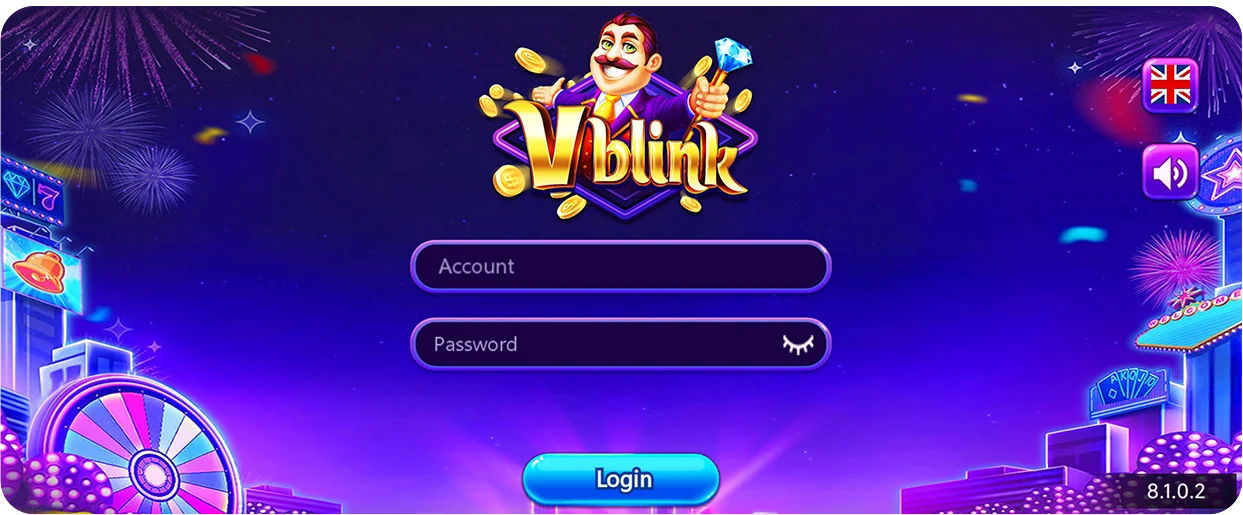
The public VBlink login page has Account and Password fields and a Login button. Enter your existing credentials and select Login. The public interface does not show a Register or Sign up button.
If you need a new account or have forgotten your password, contact the provider that issued your account. Downloading the APK does not create login credentials.
Client resource names
VBlink Games
The official web client resources include the following game names. This list records names in those resources; access inside an account and individual gameplay have not been tested for this guide.
- OCEAN KING III
- Mermaid Beauty
- Thunder Dragon
- Fire Phoenix
- Baccarat
- Blackjack
- Roulette
iPhone and iPad
VBlink on iPhone
Open the VBlink web login in Safari to use the browser route on an iPhone or iPad. An Android APK cannot be installed on iOS.
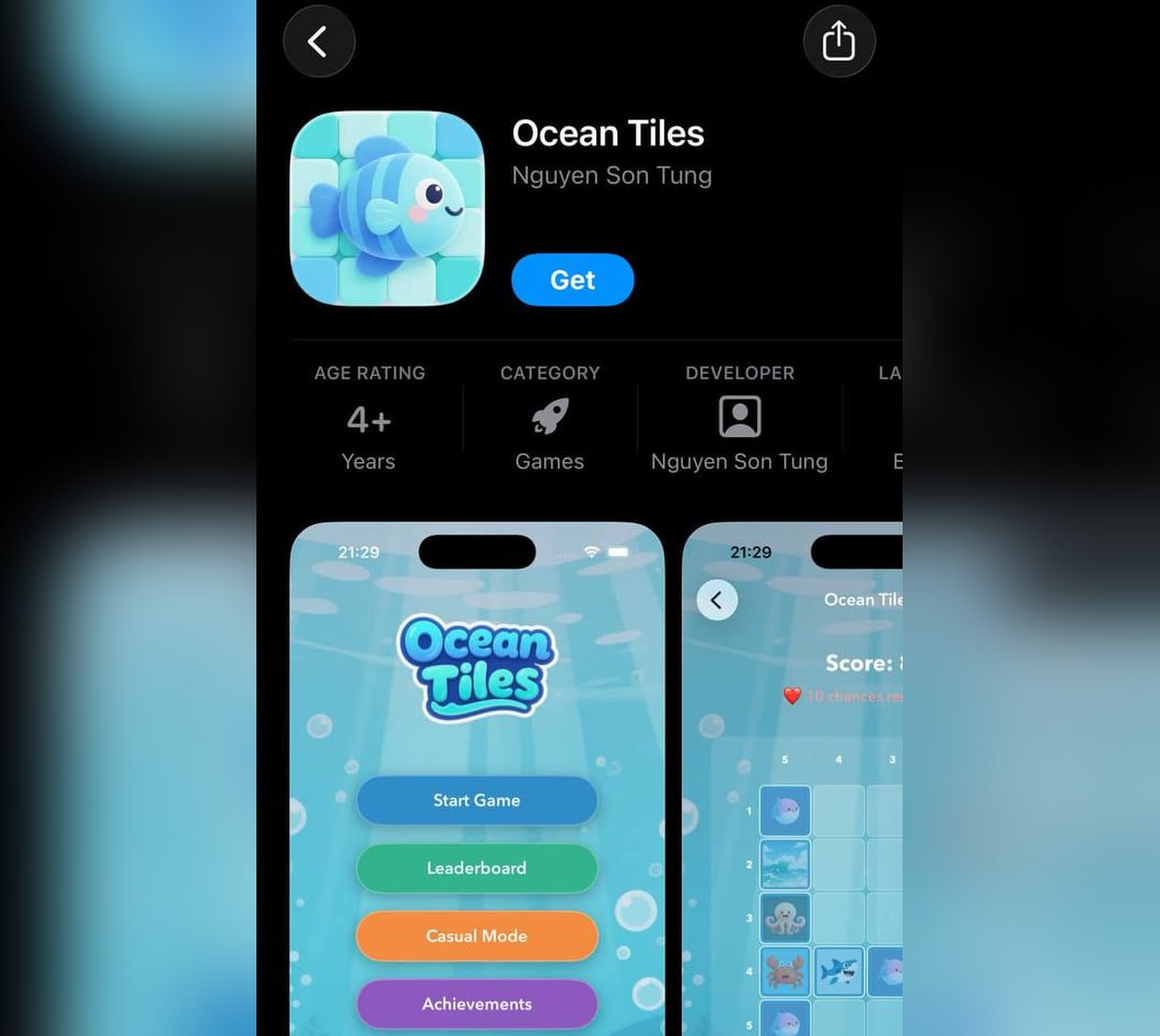
The publisher also has an iOS installation reference. At the source check, that page led to Ocean Tiles and showed an App Store guide for that name. Treat it as a separate publisher instruction; the image does not establish that Ocean Tiles is the same application as the Android APK.
Android troubleshooting
Fix VBlink App Not Installing Errors
| Message or symptom | Cause to check | What to do |
|---|---|---|
| Download stops or the file will not open | The download is incomplete or damaged. | Download the file again over a stable connection. Compare its size with 74,842,369 bytes and, if possible, its SHA-256 above. |
| Not enough storage | Android needs space for the APK and unpacked installation files. | Free device storage, remove the incomplete download, and try again. |
| App not installed or package conflicts | An existing app with the same package name can have a different signature or incompatible version. | Check the installed app and its update instructions. Preserve account access and app data before considering removal. |
| App is not compatible or package cannot be parsed | An unsupported Android version or a damaged package can prevent installation. | Check that the device runs Android 5.0+, then verify the download. Use the web login if installation remains unavailable. |
| Not allowed to install unknown apps | The browser or file manager lacks installation access. | Open the setting named in the prompt, allow that source for this installation, then return to the installer. Device management can restrict this setting. |
Separate Google Play listing
Google Play App: V-blink: 777 Casino Slots
Google Play lists V-blink: 777 Casino Slots by Printer-Johnson Studio. Its package is com.v.blink.vblink.casino.games; the direct APK above uses com.vblink777.game. These are separate application identities.
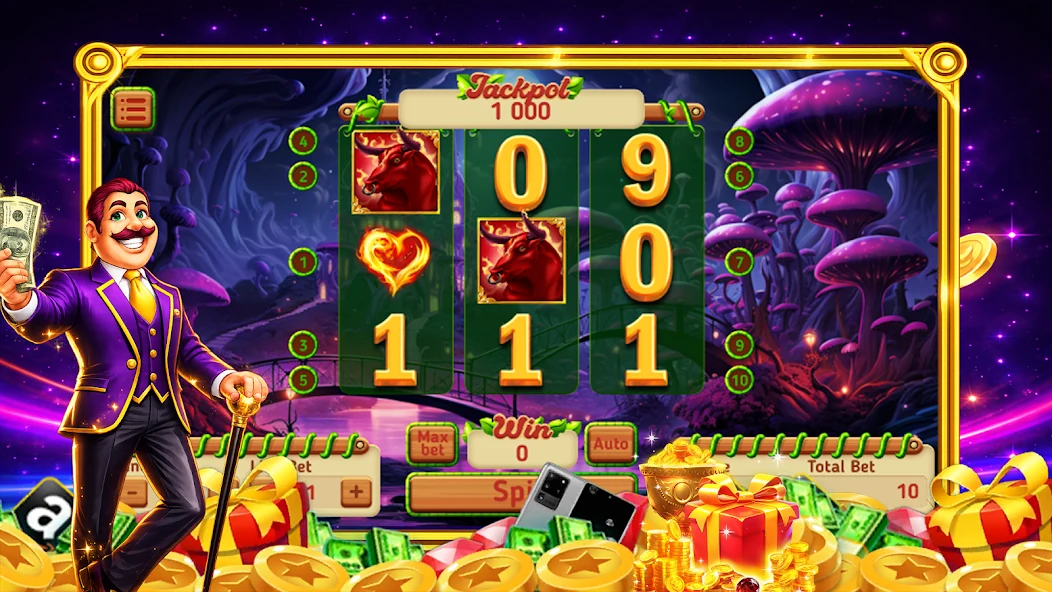
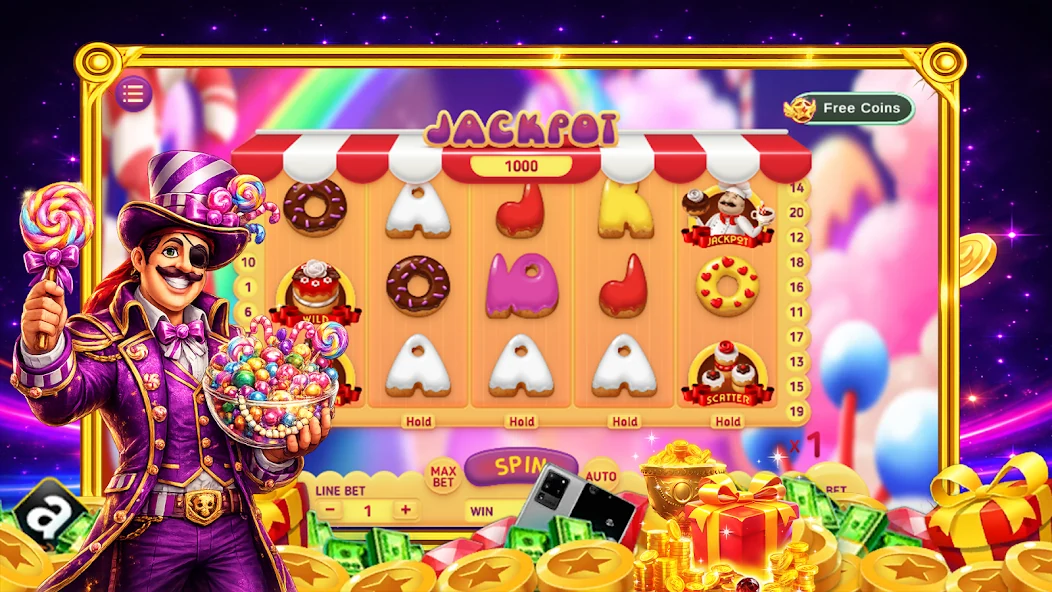
The store listing describes a slots game. Its forest and candy promotional screenshots belong to that listing and do not document the direct APK or its lobby.
| Field | Google Play listing |
|---|---|
| Application name | V-blink: 777 Casino Slots |
| Package name | com.v.blink.vblink.casino.games |
| Version | 1.0 |
| Minimum Android | Android 6.0+ |
| Developer | Printer-Johnson Studio |
| Source check | Source checked October 14, 2026 |
Common questions
VBlink777 APK Download FAQ
Source checked October 14, 2026. Answers below refer to the direct APK unless Google Play is named.
Does this site provide VBlink APK downloads?
Yes. This site provides APK downloads. The Android download button links directly to the publisher CDN file, version 8.1.0.13_17.2, with a size of 74.84 MB.
What is the current VBlink APK version and file size?
The APK checked on October 14, 2026 is 8.1.0.13_17.2, with a file size of 74.84 MB (74,842,369 bytes). Its package name is com.vblink777.game.
What Android version does VBlink require?
The direct APK Manifest declares Android 5.0+. The separate Google Play application lists Android 6.0+. The Manifest requirement does not establish that this guide completed a device installation.
Which permissions does the VBlink APK declare?
Its Manifest declares 8 permissions: android.permission.INTERNET, android.permission.ACCESS_NETWORK_STATE, android.permission.ACCESS_WIFI_STATE, com.google.android.gms.permission.AD_ID, android.permission.WAKE_LOCK, com.google.android.finsky.permission.BIND_GET_INSTALL_REFERRER_SERVICE, android.permission.POST_NOTIFICATIONS, com.google.android.c2dm.permission.RECEIVE. These cover networking, the advertising identifier, wake locks, install referrer access, notifications and push messages.
How do I install the VBlink APK?
Download 8-1068.apk, open it from Downloads, allow the browser or file manager to install unknown apps if Android asks, then select Install and Open. Keep Play Protect enabled and read any security warning.
How do I register or log in to VBlink?
Enter an existing Account and Password, then select Login. The public login interface has no Register or Sign up button. Contact the provider that issued your account for credentials or account help.
Can I use VBlink on an iPhone without an APK?
Yes. Open the VBlink web login in Safari. APK files are for Android. The separate publisher iOS installation reference currently leads to Ocean Tiles.
Is the Google Play application the same as the direct APK?
They have different package names. The direct APK is com.vblink777.game, version 8.1.0.13_17.2. Google Play lists com.v.blink.vblink.casino.games, version 1.0, by Printer-Johnson Studio. The store screenshots and developer information apply to the Google Play listing.
Why does Android say VBlink is not installed?
Check for an incomplete download, insufficient storage, an existing package conflict, an unsupported Android version or missing installation access for the browser or file manager. Use the exact error message and the troubleshooting table above to choose the next step.
APK download
Download the VBlink APK.
This site provides APK downloads. Download version 8.1.0.13_17.2 (74.84 MB), or open the web login in your browser.
Primary references
Check the source, then the current terms.
- VBlink publisher CDNDirect Android APK: 8-1068.apk (opens in a new tab)
Source for the APK file size, SHA-256, package identity, version and Manifest permissions. Source checked October 14, 2026.
cdn.vblink777.club - Google PlayV-blink: 777 Casino Slots (opens in a new tab)
Source for the separate store application and its promotional screenshots. Source checked October 14, 2026.
play.google.com - VBlinkPublic web login (opens in a new tab)
Source for the Account, Password and Login controls. Source checked October 14, 2026.
vblink777.club - VBlinkPublisher iOS installation reference (opens in a new tab)
The reference leads to Ocean Tiles and supplies the iOS guide image. Source checked October 14, 2026.
vblink777.club - VBlinkOfficial web client English game-name resource (opens in a new tab)
Source for the listed game names. This resource does not document a gameplay test. Source checked October 14, 2026.
vblink777.club
Five focused explainers
Start with the claim you need to verify.
Each guide separates a search phrase from the facts an operator or payment provider must confirm.
No Deposit Bonus Guide
Read eligibility, wagering, game contribution, expiry, and withdrawal terms.
Read the guideCash App Casinos Guide
Separate a payment label from the actual deposit and withdrawal rails.
Read the guideSweepstakes Bonus Guide
Understand promotional play, alternative entry, eligibility, and redemption.
Read the guideGames & Cash App Payouts
Trace a game result through the platform withdrawal process to a payment rail.
Read the guideNew Sweepstakes Casinos 2026
A verification-first framework for comparing new operators without invented rankings.
Read the guide